 Mávip
Get a free Gemini API key
Google AI Studio gives you a free Gemini key in under two minutes — no credit card, no billing setup. The free tier is more than enough for Mávip calls.
Open Google AI Studio
Go to aistudio.google.com and sign in with any Google (Gmail) account. AI Studio is free — you don't need a Google Cloud account to start.
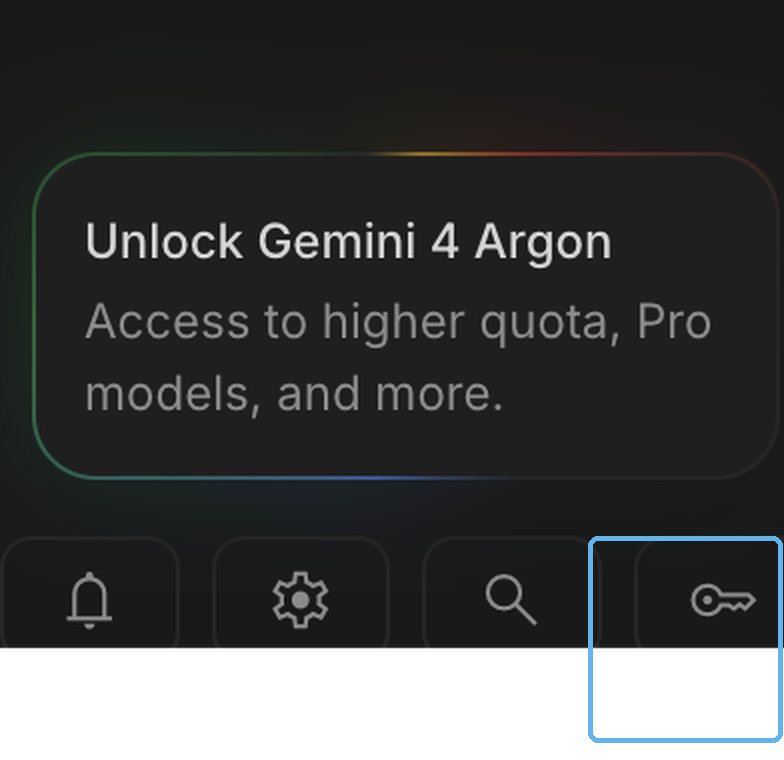
Click "Create API key"
The API Keys page opens. Click Create API key in the top-right corner.

Create a key and project
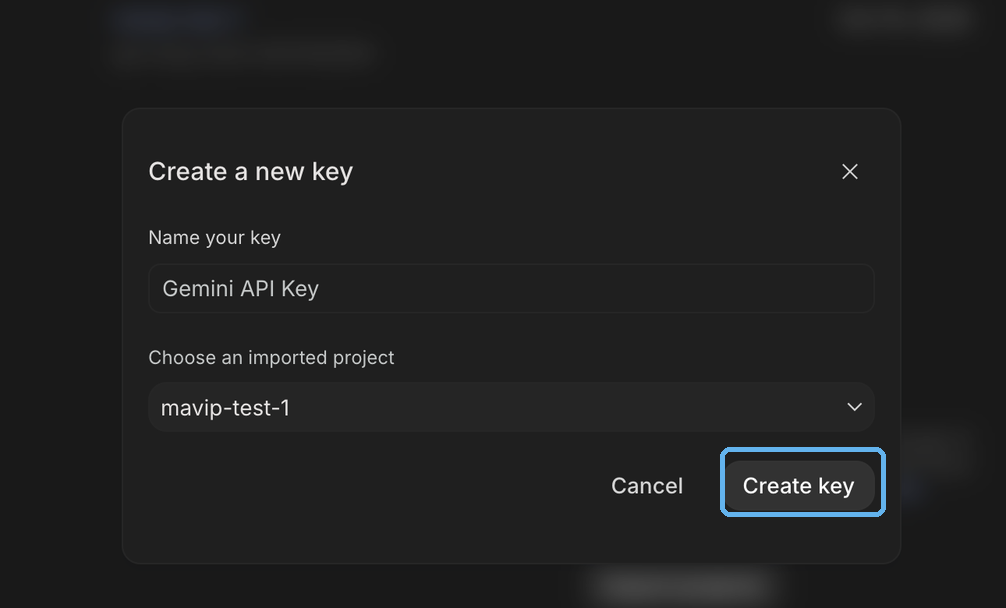
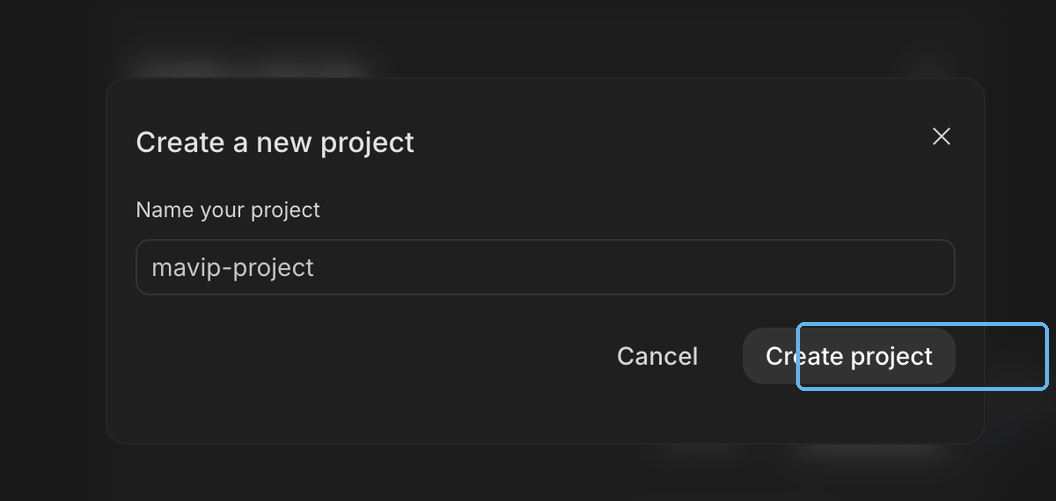
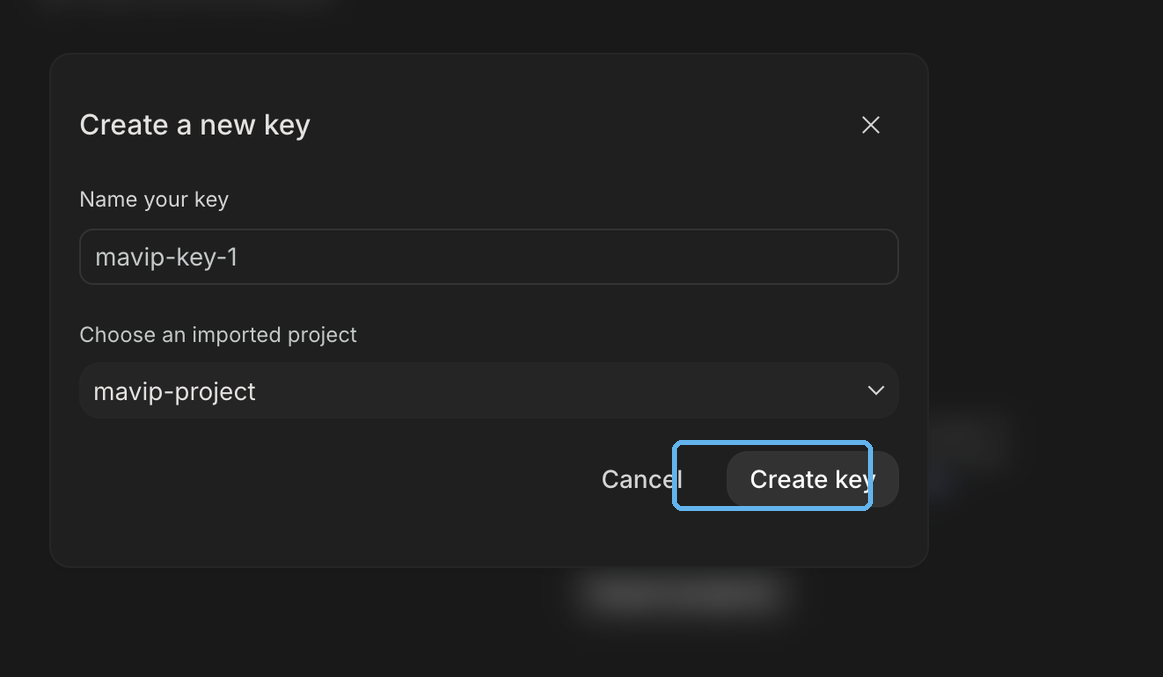
A dialog appears. If you don't have a project yet, click Create a new project in the dropdown and name it anything you like. Then click Create key.
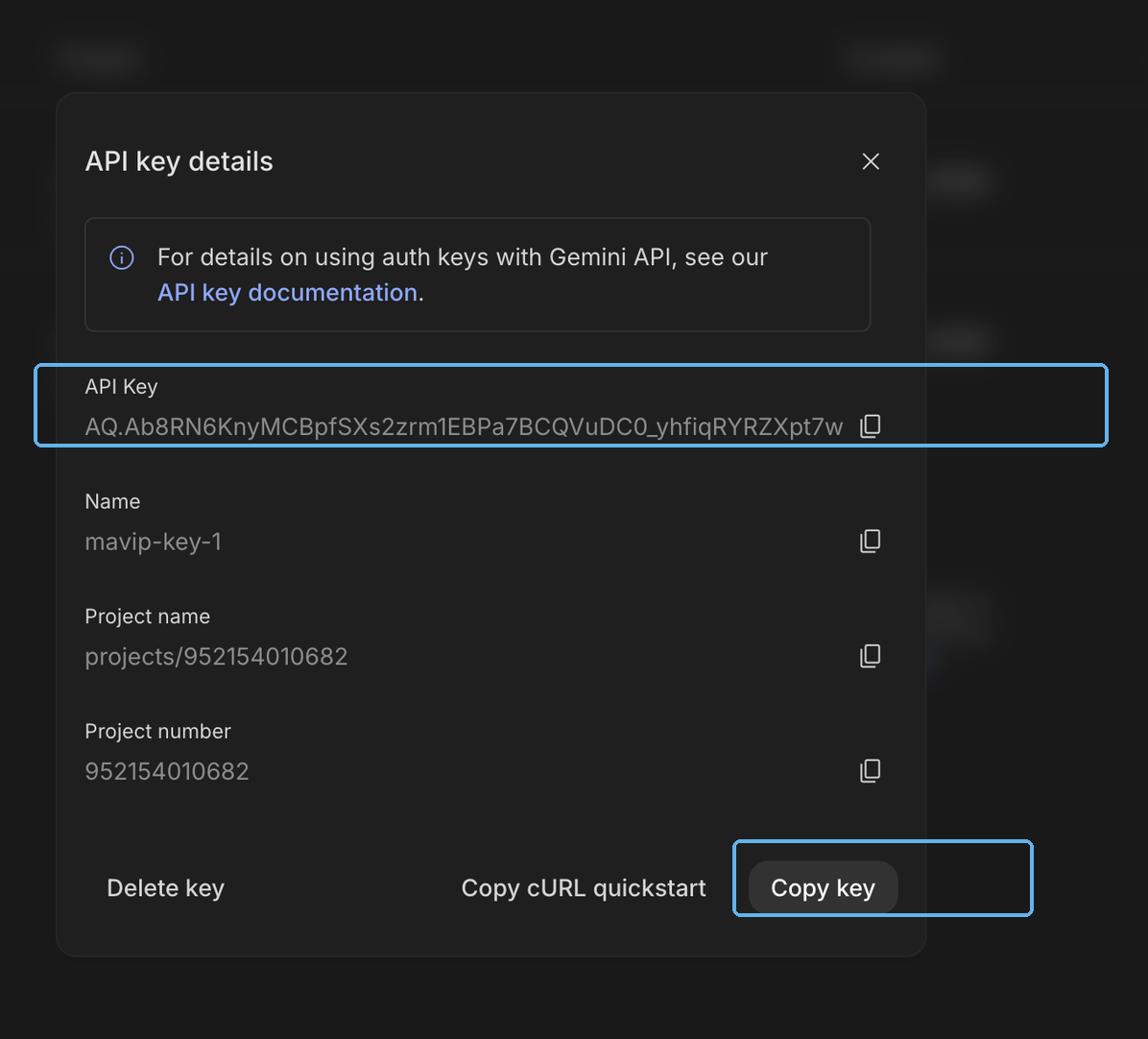
Copy the key
Your API key appears — it starts with AIza.
Click Copy key to copy it to your clipboard. Keep this key private.
Paste into Mávip
Open Mávip → Settings → Readiness → API keys → Gemini. Paste the key and click Save. Mávip validates it with a quick live check — "valid" appears in green within a few seconds. You're ready to make calls.
Free tier limits
The Gemini 2.0 Flash Live model (which Mávip uses by default) is free for personal use on AI Studio keys — no billing required. The free tier allows up to 10 simultaneous live sessions and resets every minute. A typical Mávip call uses far less than the limit.
If you hit a rate limit during a call, the agent will stop responding. Just end the call and wait a minute. For heavy use, you can enable billing on your Cloud project to raise the limits.
Prefer OpenAI?
Mávip also works with an OpenAI API key (gpt-4o-realtime). OpenAI keys require a paid account with credits. Gemini is the easiest way to start for free.